Every job, documented. Every crew, on the same page.
Your crew opens Walnutcrew on site, picks the job and shoots. Photos land in the right project with time and place, and the office turns them into reports, checklists, proposals and invoices.
- Works without signal
- Everyone included, one price
- Locked off-site backup

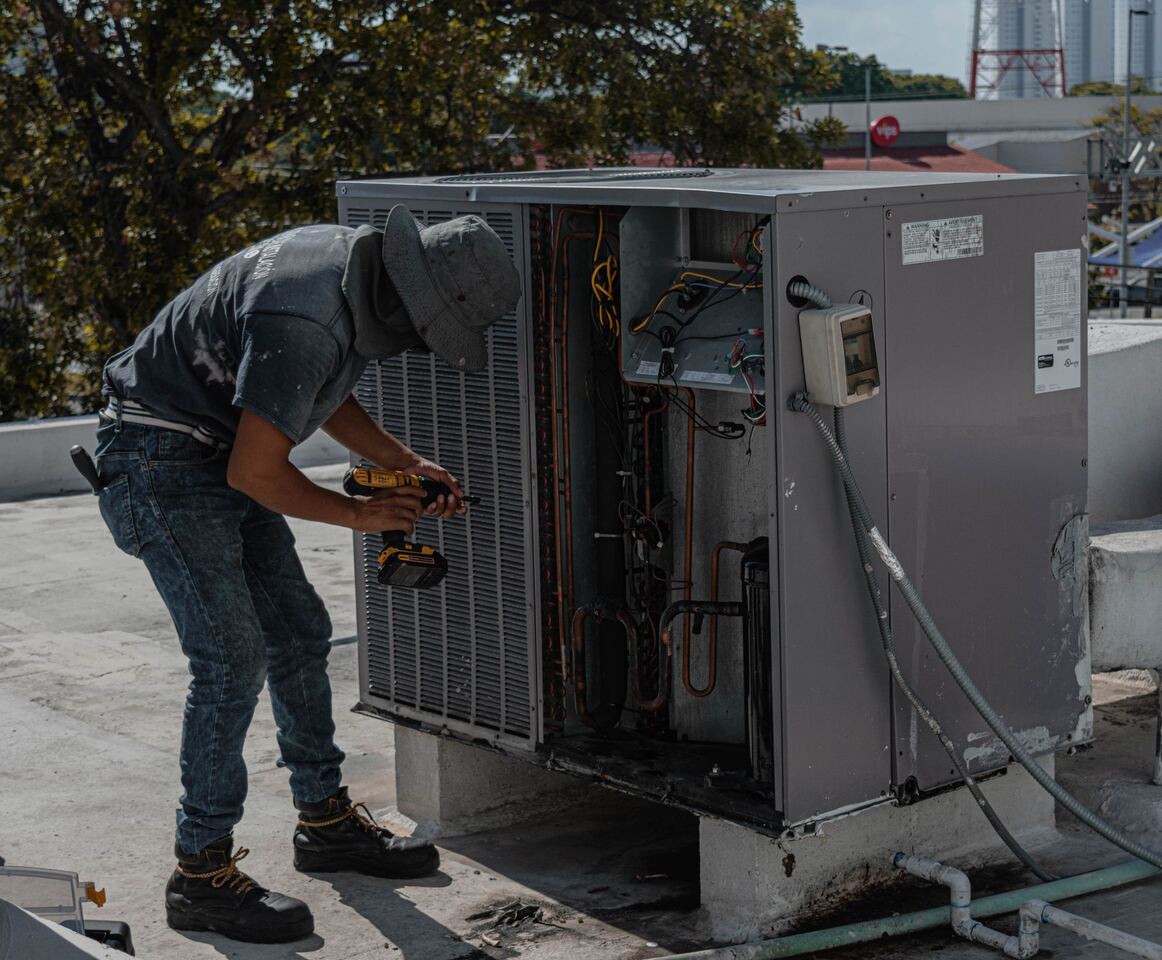
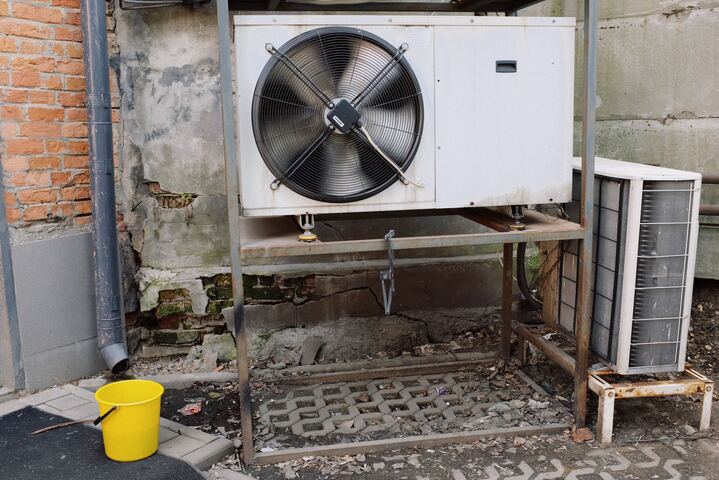
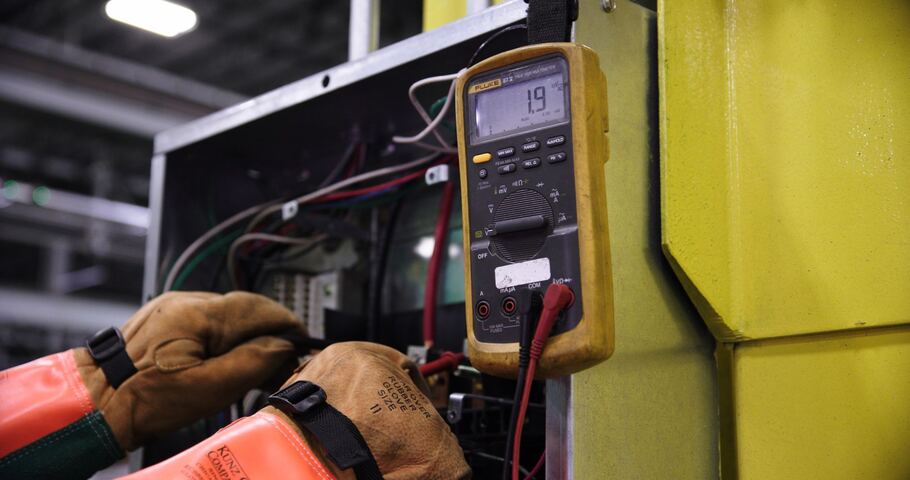



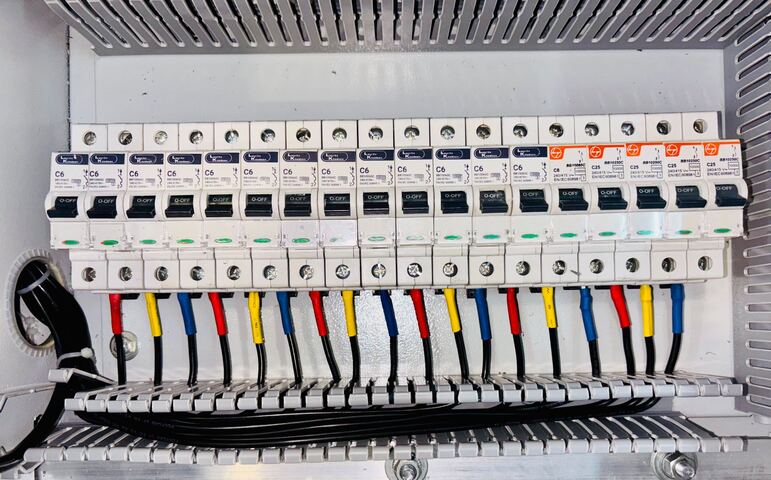


- HVAC and refrigeration
- Roofing
- Restoration
- Plumbing
- Electrical
- Remodeling
- Solar
- Property services
Everything a job leaves behind, in one place.
Photos, notes, checklists, reports, proposals, hours and files: kept with the project, seen by the people on it, and ready to send to the customer.
A camera made for the job site
Open the app, pick the job, shoot. Photos and videos land in the right project with time, place and who took them.
Every job in one place
Each project keeps its photos, documents, checklists, tasks, conversation and sales in one timeline the whole crew sees.
Mark up what you see
Arrows, shapes and text on any photo, saved as a new version so the original stays untouched.
Photo reports in minutes
Pick photos, add notes, and send a clean PDF report with your logo. Templates keep every report the same.
Checklists your crew actually fills in
Start a checklist from a template on site, with photo answers, yes/no, ratings and notes, and export it as a PDF.
Proposals and invoices from the job
Write a proposal from your price book, let the customer approve it online, then invoice and record the payment.
Time on the job
Clock in and out against a project and a work type; timesheets and CSV exports for payroll.
Show your work, ask for reviews
Turn finished jobs into a public portfolio for your website and send customers a review request when you're done.
The day, summed up
A daily recap of what happened across your jobs and on each project, by email if you want it.
Your company's files underneath
Every project sits on a real file cloud: desktop apps for Mac and Windows, versions, a 30-day trash and a locked backup.
Up and running in three steps.
Invite your crew
Add the office and the field crews. Everyone is included in the one price, part-timers too.
Shoot on site
Open the app, pick the job and shoot. Photos land in the project with the time and place, even without signal.
Share it with the customer
Send a photo report, or share the project's photos by link, so the customer sees the work.
The camera is the app.
One button in the middle of the screen. Pick the job once, shoot, tag and note as you go, and keep working when the signal drops: photos wait on the phone and upload by themselves.
- Date, time, place and photographer on every photo
- Tags and notes while you shoot
- Markup, before and after, and comments on any photo
A real file cloud behind every project.
Drawings, permits, manuals and PDFs sit next to the photos. The Mac and Windows apps put them in Finder and File Explorer, every file keeps its versions, deleted items wait 30 days in the trash, and a locked copy is kept off-site.
Your crew will know where everything is.
The camera, the project page, the photo viewer and the four roles work the way your team is used to. We help you plan the move and bring your projects and photos over, free.
Plans for every company size.
Field apps usually charge for every person, so the bill grows with each hire. Walnutcrew charges per company, with everyone in it, and the plan follows how much you store.
One price for the whole company.
Tell us how many people work for you and how much you store. We'll suggest the plan that fits and help you move in, free.
Talk to sales- Everyone in your company, with four roles
- Unlimited projects, photos and videos
- Photo reports, checklists and templates
- Proposals, invoices and a price book
- Time tracking and timesheets
- Portfolio and review requests
- The daily recap
- iPhone, Mac, Windows and web apps
Free migration help. We help you plan the move and bring your projects, photos and files over from CompanyCam, Dropbox, Google Drive, OneDrive or an office server. Moving 50 TB or more? We work through the migration with you hands-on and advise on the setup, also free. Tell us about your company
Questions
Your data stays in your region. EU companies' data is stored in the EU, US companies' data in the US.
Where is our data stored?
Your data stays in your region: EU companies' data is stored in the EU, US companies' data in the US.
Who is Walnutcrew for?
Contractors and service companies whose crews document jobs with photos: HVAC and refrigeration, roofing, restoration, plumbing, electrical, remodeling and the like. It is sold to companies, not to individuals.
How much does it cost?
One price for the whole company, with unlimited users and no per-seat fees. Plans differ by storage and a few features, from a crew's first jobs to large photo archives. Tell us about your company and we'll suggest the plan that fits; moving in is free.
Is it really unlimited users?
Yes. Add everyone who works for your company, including part-timers and crews on the road; the price depends on the plan, not the headcount. Fair use applies: accounts are for your own team, not for reselling.
Does the app work without signal?
Yes. Photos and videos you take without a connection wait on the phone and upload by themselves once you're back online, into the project you picked.
Can customers see what we choose to show them?
Yes. Share a project's photos by link, send a report or a proposal, or invite a guest to one project. Photos marked internal never appear on share links, galleries or your portfolio.
We use CompanyCam today. Is switching hard?
The screens are laid out the way your crew already works: the camera, the project page, the photo viewer and the four roles behave the same. We help you plan the move and bring your projects and photos over, free.
Will you help us move our files?
Yes, for free. Tell us where your photos and files are now (CompanyCam, Dropbox, Google Drive, OneDrive or an office server) and we'll help you plan the move and bring them over. Moving 50 TB or more? We work through the migration with you hands-on and advise on the setup, also free.
Where are our photos and files stored?
In secure data centers, encrypted, with a locked backup in another place in a separate account. Each file keeps its last 25 versions (100 on Business and Pro) and deleted items stay in the trash for 30 days.
Which apps are there?
The iPhone app is on the App Store, the Mac and Windows apps put your files in Finder and File Explorer, and the web app works in any modern browser. The Android app is coming soon.
Put every job in one place.
Tell us about your crews and how you work today. We'll set up your company and help you move in.
Talk to usWe reply within 24 hours. Or email support@walnutcrew.com